
If you do not remember your password for Lightspeed POS Back Office, use the link 'Forgot Password'
- In the Email Address field, enter your username (it's your email address).
- In your email inbox, open the email the subject line: "Lightspeed Retail Password Reset".
- Select the password reset link.
- In the New Password and Verify New Password field, enter the password you'd like to use going forward.
- Select Reset Password.
The password is not reset and you can log in to Lightspeed POS Back Office.
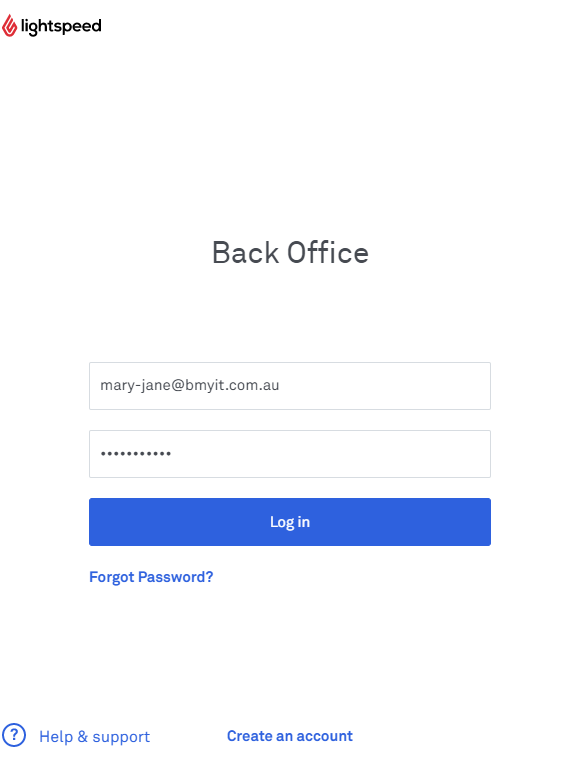
Once you have signed in to Lightspeed POS, you'll see the Back Office homepage.
Comments
0 comments
Please sign in to leave a comment.